
Trader Workstation (TWS) Configuration
OptionsRealTime connects to Interactive Brokers’ Trader Workstation (TWS) through the API. This requires enabling a few settings in TWS.
Open API Settings
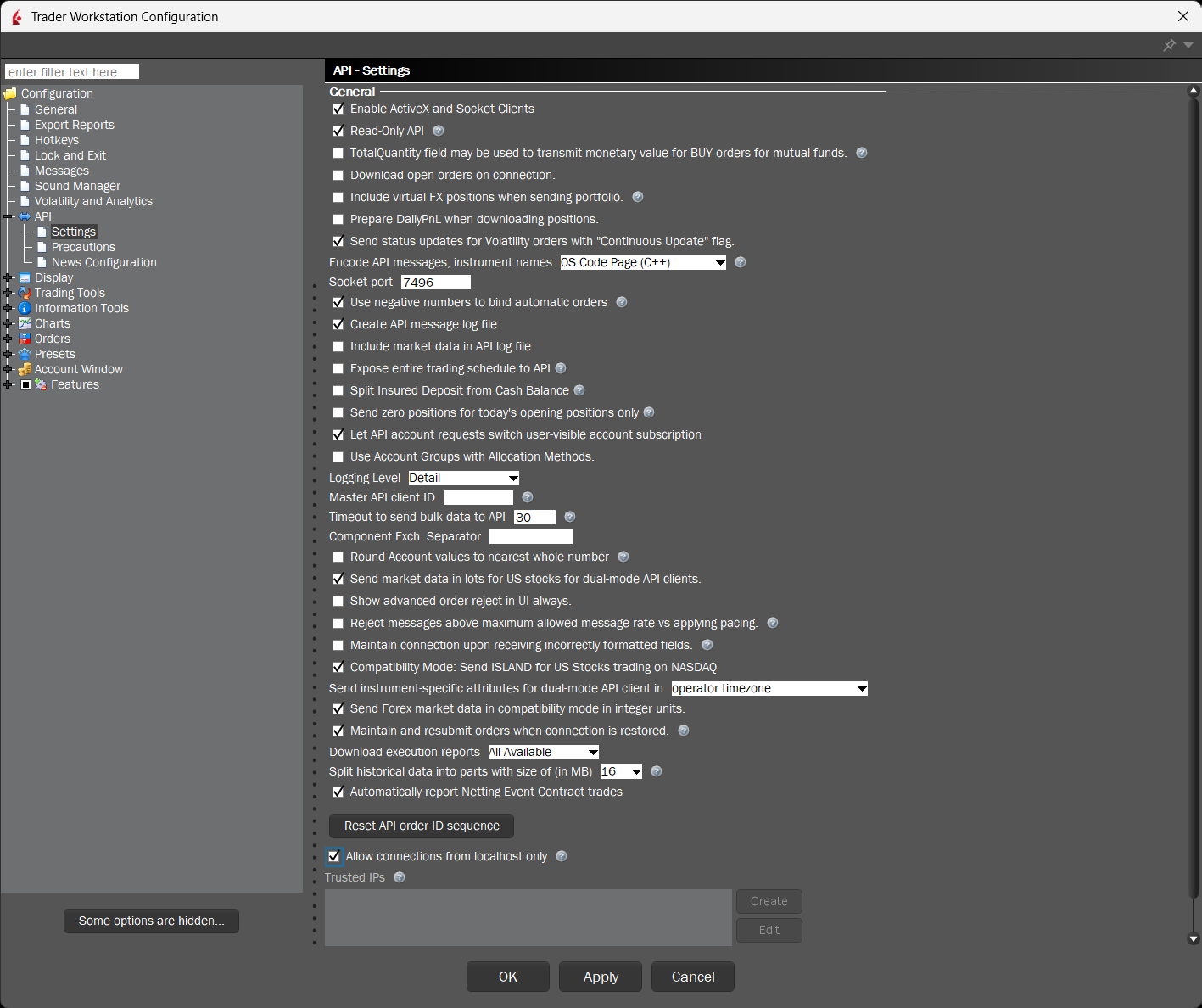
Section titled “Open API Settings”- In TWS Desktop, go to File → Global Configuration
- Navigate to API → Settings
Configure API Settings
Section titled “Configure API Settings”Enable the following settings:
Required Settings
Section titled “Required Settings”| Setting | Value |
|---|---|
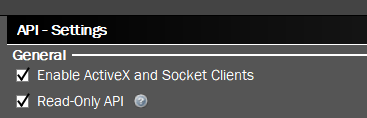
| Enable ActiveX and Socket Clients | ✅ Checked |
| Read-Only API | ✅ Checked |
| Socket Port | 7496 |
| Allow connections from localhost only | ✅ Checked |
Enable ActiveX and Socket Clients — Allows external applications to connect.
Read-Only API — Recommended for safety.
Socket Port — Use 7496 for TWS Desktop (or 4001 for IB Gateway).

Allow connections from localhost only — Restricts connections to your local machine.

Important Notes
Section titled “Important Notes”Save Settings
Section titled “Save Settings”Click OK to save your settings.
What’s Next?
Section titled “What’s Next?”With TWS configured, you’re ready to launch OptionsRealTime.