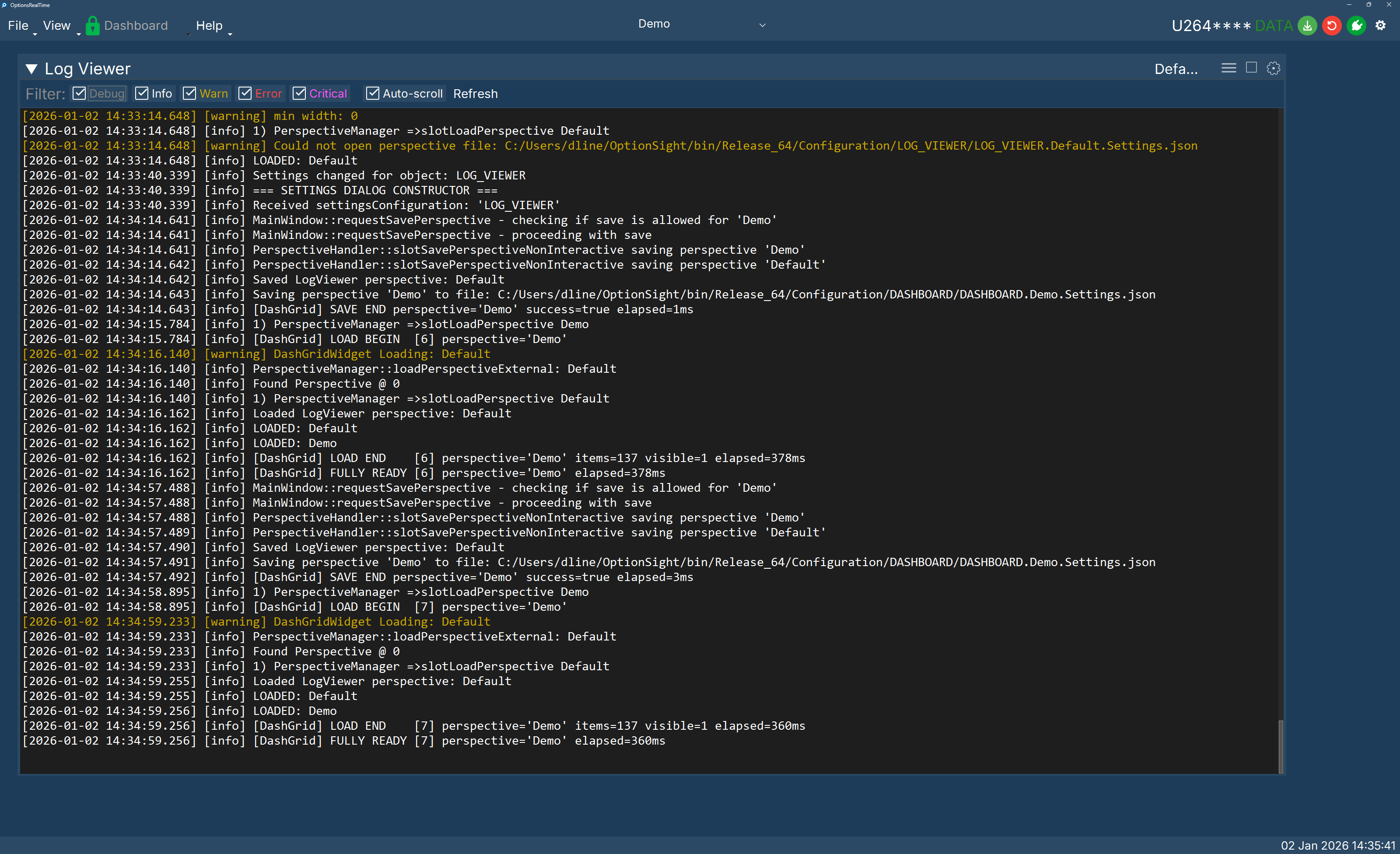
Log Viewer
Primarily for internal use, the Log Viewer helps the development team debug coding and logic issues. This UI panelt tracks local log files. Clicking the upper-left chevron exposes a control panel with log level filters (Debug, Info, Warn, Error, Critical). In Auto-Scroll mode, the viewer shows the latest entries. Refresh reloads the viewer with the current contents of its associated log file.